
Game Recording Explained: A Beginner’s Guide to Clips and Replays
By
Anna Lee
• 10 mins read
Learn how to record gameplay, save recent highlights, check audio and export clips using Steam, Windows, GPU tools, PS5 and OBS.
You are viewing the comprehensive archive for articles tagged with "gaming guides." Our editorial team delivers timely gaming coverage, practical insights, and market-focused analysis across the topics shaping how games are built, funded, regulated, and played. This section brings together relevant news, research, and expert commentary to help you understand trends and make better decisions. Stay informed with FluxGamer to keep your perspective current and complete.
Learn how to record gameplay, save recent highlights, check audio and export clips using Steam, Windows, GPU tools, PS5 and OBS.

Learn how to choose and set up a gaming headset, check PC and console compatibility, test your microphone and compare Bluetooth and spatial audio.

Learn how cloud saves work on PC and consoles, check synchronization before switching devices, handle save conflicts and keep supported backups.
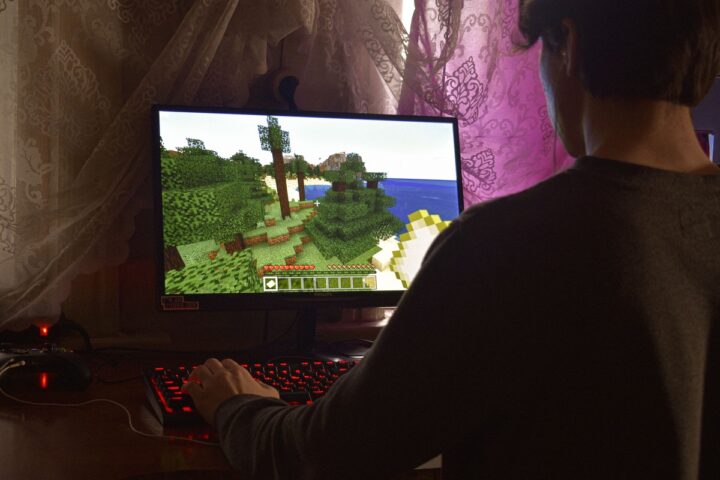
Learn which PC graphics settings to adjust first, how to measure FPS and stutter, and how to balance image quality with responsive gameplay.

Learn how Steam Families shares PC games, when you need another copy, and how to manage household accounts, saves, parental controls and purchases.
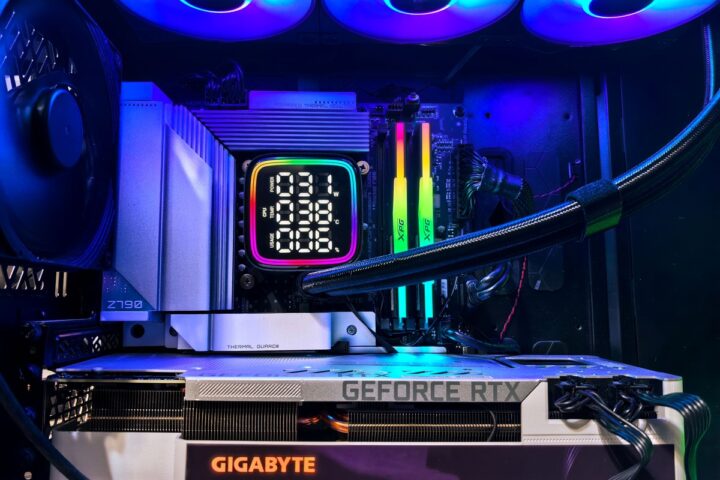
Learn how upscaling and frame generation affect image quality, FPS and input delay, then use a simple checklist to choose settings for your PC or handheld.

Learn how cloud gaming works, how it differs from Remote Play, and how to choose a service by checking games, devices, connection quality and subscription limits.

Want to play with friends on another console or keep your progress on PC? Learn how cross-play, shared saves and account linking work before your next session.
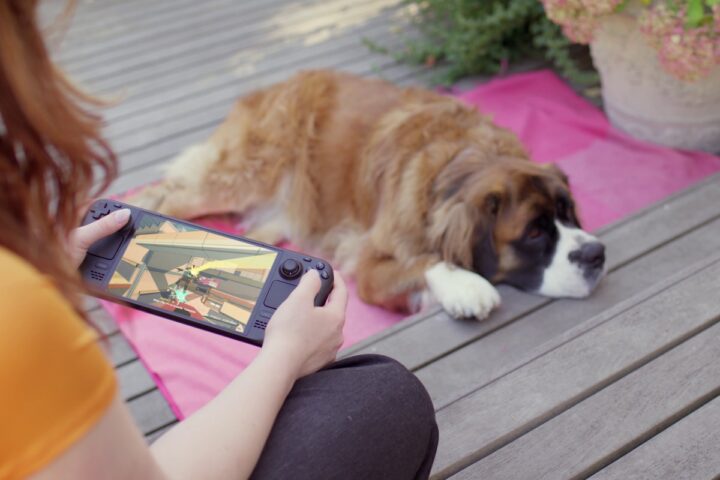
Steam Deck and Windows handhelds bring PC games to a portable screen. Learn how to check compatibility, choose settings and protect your saves before playing away from home.
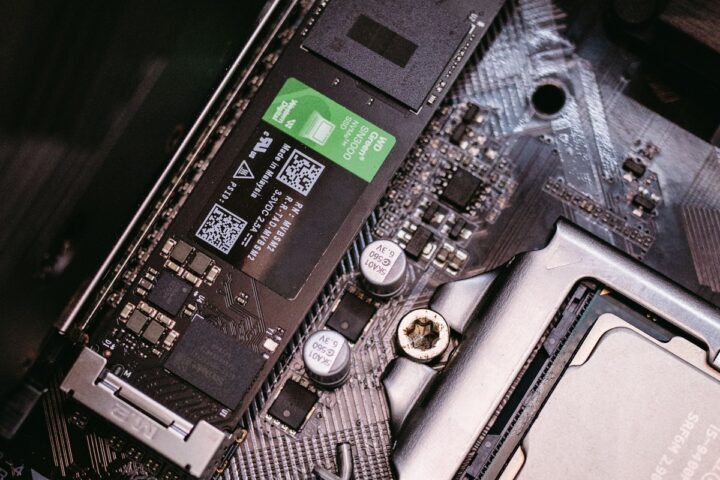
Learn how to choose gaming storage, check PC and console compatibility, plan SSD capacity and move games without confusing installations with saves.

Learn how to assess an Early Access game’s current build, read roadmaps and updates, check co-op requirements and decide whether to buy now or wait.
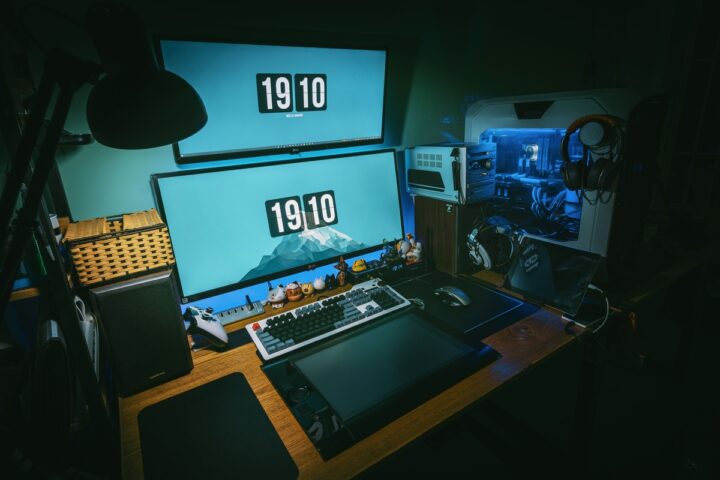
Learn how to check mod compatibility, protect a playthrough, install a first PC mod and handle dependencies, updates, multiplayer rules and removal.
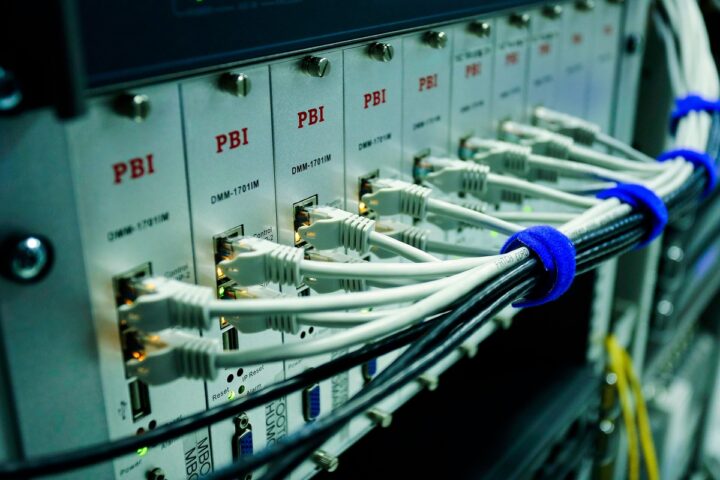
Understand ping, jitter and packet loss, separate network lag from low frame rates, and test your online gaming connection one change at a time.
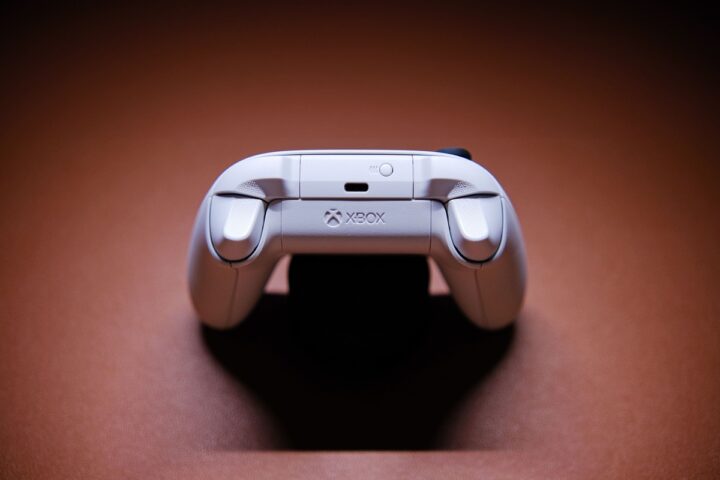
Learn how to connect a controller to a PC, understand Steam Input, check game features and troubleshoot button prompts, deadzones and duplicate inputs.

Learn how refresh rate, resolution, VRR and HDR differ, then check the connections and settings that make a gaming monitor work with your PC or console.