
Game Recording Explained: A Beginner’s Guide to Clips and Replays
Learn how to record gameplay, save recent highlights, check audio and export clips using Steam, Windows, GPU tools, PS5 and OBS.
Explore a comprehensive collection of short and long-form FluxGamer guides built to explain how games, platforms, hardware, esports systems, creator tools, and industry business models work. This section consolidates practical walkthroughs, foundational explainers, technical breakdowns, buying guidance, platform comparisons, and strategy frameworks covering console, PC, mobile, cloud gaming, game development, live-service operations, and competitive play. The emphasis is on durable understanding: how games are built, how platforms operate, how players make better choices, and how studios and publishers adapt as the market changes. Designed for players, creators, developers, analysts, and industry observers, this knowledge base provides context that supports deeper reporting and clearer decisions across the gaming ecosystem.
Learn how to record gameplay, save recent highlights, check audio and export clips using Steam, Windows, GPU tools, PS5 and OBS.

Learn how to choose and set up a gaming headset, check PC and console compatibility, test your microphone and compare Bluetooth and spatial audio.

Learn how cloud saves work on PC and consoles, check synchronization before switching devices, handle save conflicts and keep supported backups.
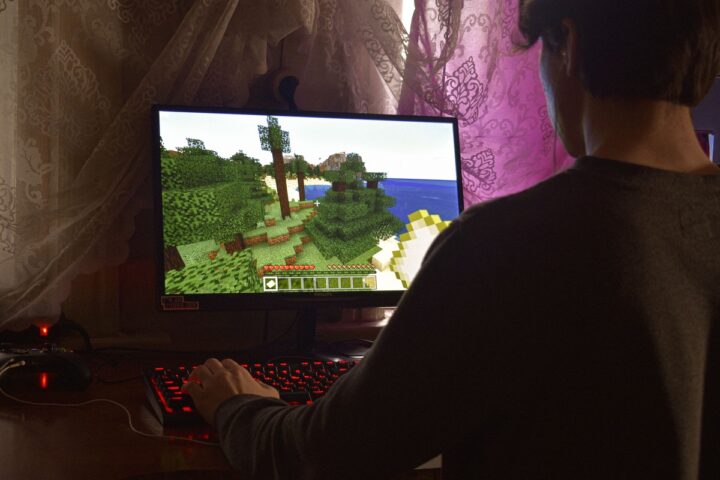
Learn which PC graphics settings to adjust first, how to measure FPS and stutter, and how to balance image quality with responsive gameplay.

Learn how Steam Families shares PC games, when you need another copy, and how to manage household accounts, saves, parental controls and purchases.
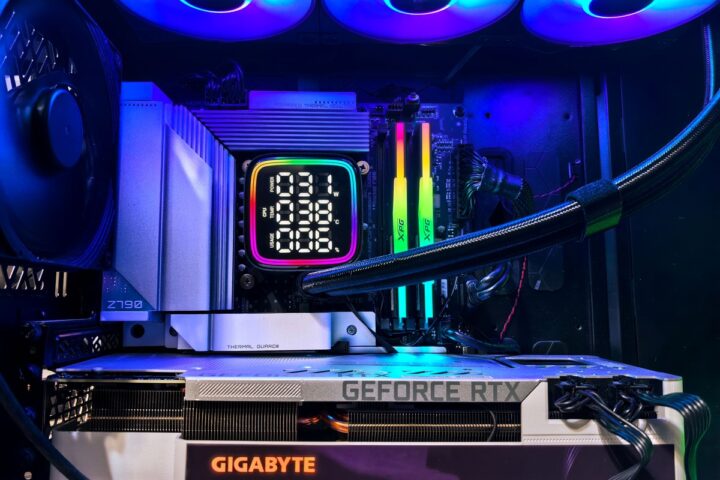
Learn how upscaling and frame generation affect image quality, FPS and input delay, then use a simple checklist to choose settings for your PC or handheld.

Learn how cloud gaming works, how it differs from Remote Play, and how to choose a service by checking games, devices, connection quality and subscription limits.

Want to play with friends on another console or keep your progress on PC? Learn how cross-play, shared saves and account linking work before your next session.
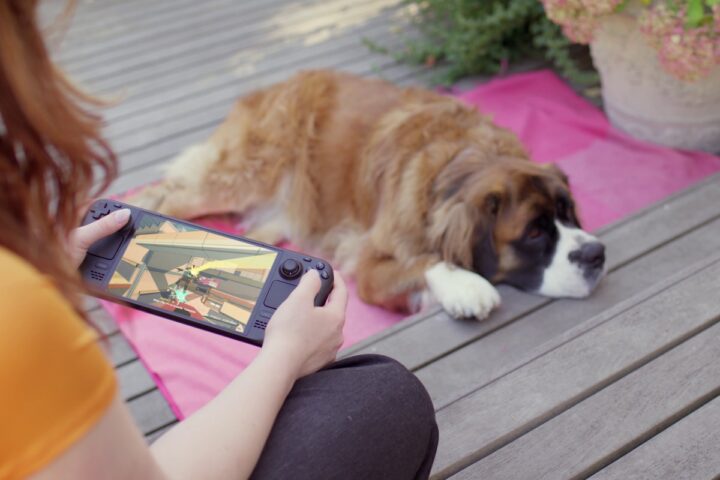
Steam Deck and Windows handhelds bring PC games to a portable screen. Learn how to check compatibility, choose settings and protect your saves before playing away from home.
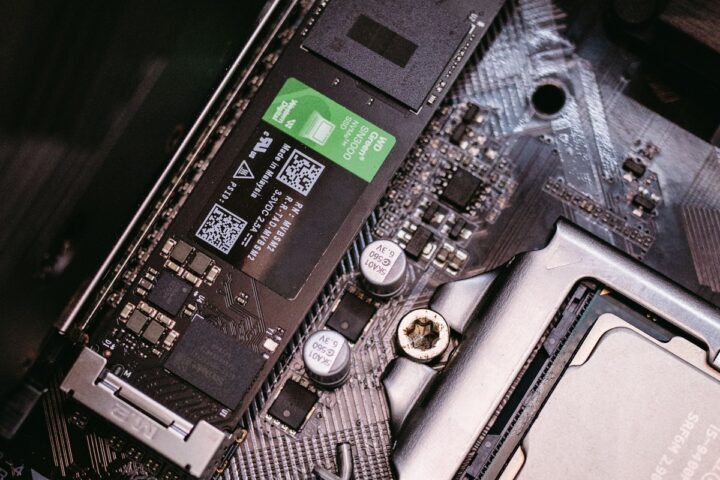
Learn how to choose gaming storage, check PC and console compatibility, plan SSD capacity and move games without confusing installations with saves.

Learn how to assess an Early Access game’s current build, read roadmaps and updates, check co-op requirements and decide whether to buy now or wait.