
Key Notes
- Game Finder starts with English-language users aged 18 and over in the United States, using an adjustable Gamer DNA profile and personalization settings to guide discovery.
- Google Play adds game collections, short Sprints and gameplay clips, while playlist sharing and developer Community Posts are scheduled for later rollout.
- Personal apps built with Google AI Studio can run privately through a standard Google account in selected markets, but public distribution still requires developer enrollment and review.
Google Play is adding personalized game recommendations, curated playlists and more ways to connect with other players in an update announced on October 13. The headline gaming feature is Game Finder, which uses a player’s preferences and activity to suggest titles rather than relying only on broad popularity charts.
Google’s announcement also introduces a private way to run Android apps built with Google AI Studio. The changes have different access rules: Game Finder starts in English in the United States, while some social features are rolling out more widely and others remain planned.
Game Finder Builds on Your Gamer DNA
At the center of Game Finder is Gamer DNA, a profile that can reflect gameplay history, ratings, followed genres and other feedback. Google’s help guide says Gemini uses those signals to identify preferences and generate explanations, while players can manually refine what they want to see.
That includes requesting more of particular games, mechanics, themes or visual styles, and less of attributes they dislike. Someone interested in a specific kind of puzzle or a particular combat system can therefore adjust the recommendations beyond simply selecting a genre.
The initial requirements are more specific than a general Android rollout: users must be at least 18, live in the United States, use English as their device language and have an active Play Games profile. Setting up Gamer DNA requires opting into Game Finder and enabling personalization; the full experience also uses Play history settings.
These controls matter because the profile is intended to change with the player’s feedback. Recommendations can offer another way to navigate a crowded store, but their usefulness will depend on how closely the suggested games match what someone actually wants to play.
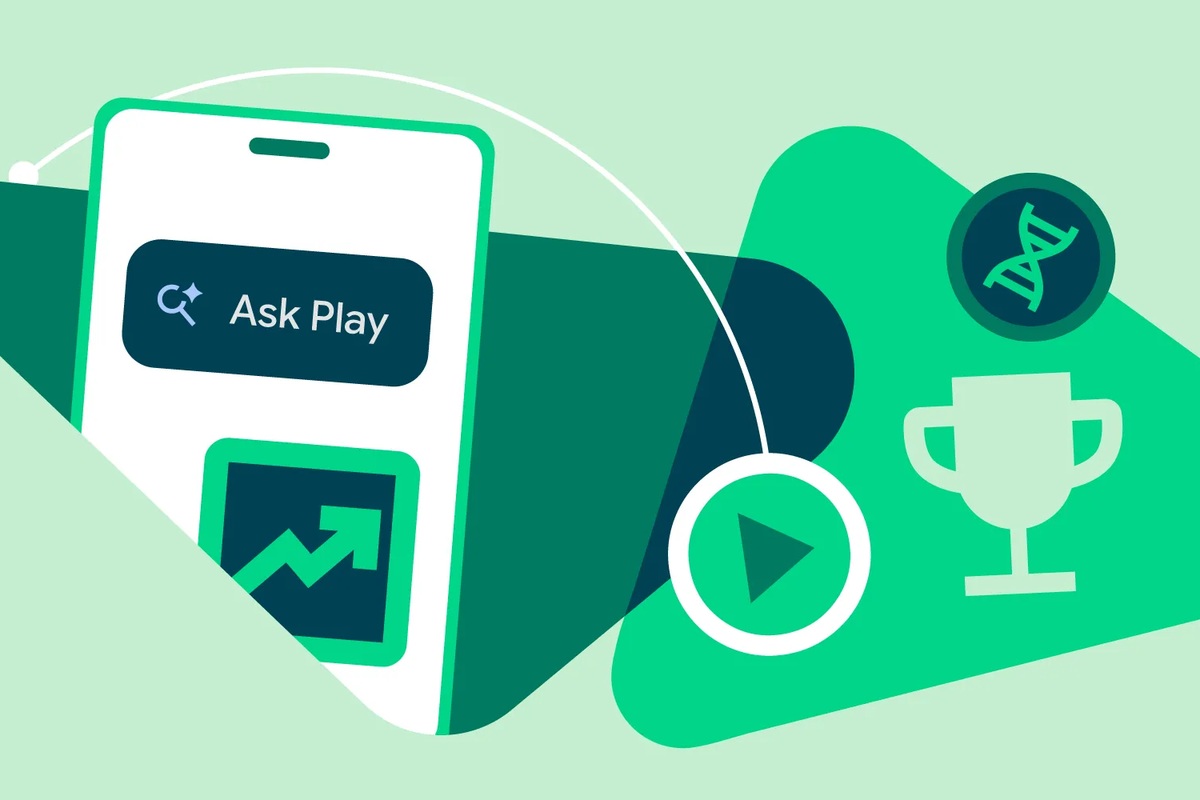
Ask Play is also adding side-by-side app comparisons. Google’s developer update says these can summarize store listings and reviews to highlight differences such as subscription models and offline capabilities. Gemini Live can offer app recommendations during voice conversations, while Google says its broader Play in Gemini integration will begin rolling out to all Gemini users soon.
Playlists and Community Features Expand
Game Playlists let users group games into collections. Google says sharing playlists and browsing other players’ lists are coming later, so the announcement should not be read as a promise that every social playlist feature is already available.
Community Posts are available across games and languages, with automatic translation, according to Google. They provide a place on a game’s detail page to ask and answer questions. Support for developer-authored posts and official announcements is scheduled to follow over the coming weeks.
The update also brings Sprints: 48-hour competitions involving groups of two to five players. Google describes matching players of similar skill and says the feature is rolling out across markets. Its Sidekick overlay, available on select devices, adds Playbacks for capturing 30-second gameplay clips.
For developers, competitions and rewards involve integration work. Google’s developer guidance identifies Game Stats and Play Games Rewards as the tools connecting gameplay milestones to these platform features. Availability at the store level does not mean every installed game automatically implements every competition or reward.
Together, these additions put more discovery and community activity inside Play itself. A collection can keep prospective games organized, a community thread can help answer a practical question, and a short challenge can give existing players a reason to return. Those are different jobs, even though they share the same storefront.
Private AI Apps Stay Outside the Public Catalog
The separate AI Studio feature lets adults in selected markets, including the United States, run personal Android apps through Google Play using a standard Google account. A developer account is not required for that private use, and the apps remain separate from the public store catalog.
Sharing with a close circle of friends and family is planned for the coming months. Public distribution would still require moving to a professional developer account and passing Google Play’s normal safety reviews and quality standards. The change lowers the barrier to trying a personal project, rather than removing the requirements for publishing a public app.
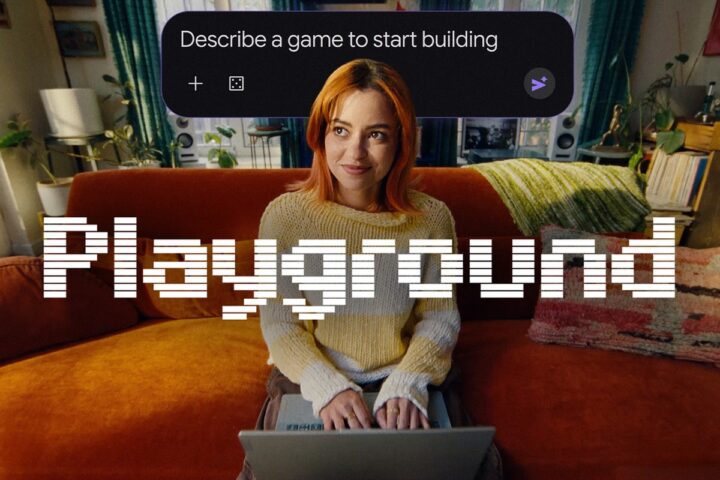
We covered Google Playground and Unity Spark as another route into prompt-based game creation. This Play update addresses a different stage: finding games, staying involved with them and running private Android creations. It does not turn those personal apps into publicly listed game releases.