Key Notes
- NVIDIA confirms Modern Warfare 4 cloud support at launch, while its store-date list specifies October 23 and says onboarding times can vary.
- Supported Fire TV Stick users are getting one-month Performance and Ultimate purchases through Amazon billing, separate from paid-game ownership.
- Final Fantasy Resonance is among the week’s additions, while device compatibility, supported storefronts and network requirements still determine access.
NVIDIA’s latest GeForce NOW update pairs Call of Duty: Modern Warfare 4 launch support with a new way to buy cloud-gaming memberships through Amazon on Fire TV. The October 22 announcement also adds Final Fantasy Resonance to the weekly lineup and highlights new content for The Elder Scrolls Online.
For PC players, the attraction is access to supported games through a remote gaming rig, including devices that cannot run the same titles locally. The update expands the places and purchase routes available for that service; it does not turn a GeForce NOW subscription into ownership of every game mentioned.
Modern Warfare 4 Joins the Launch Lineup
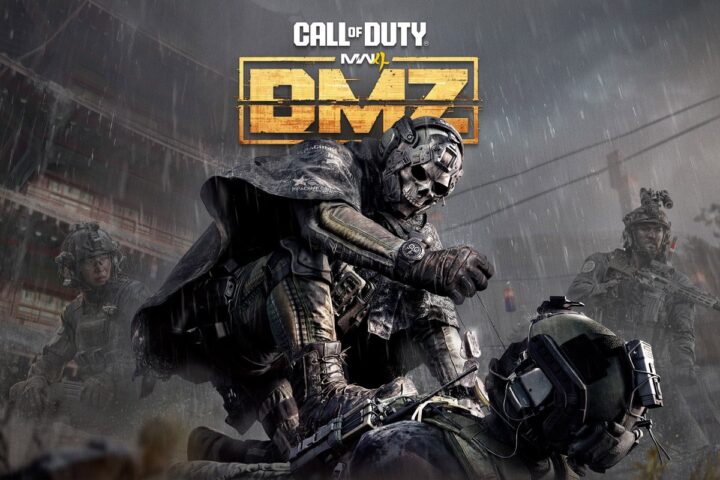
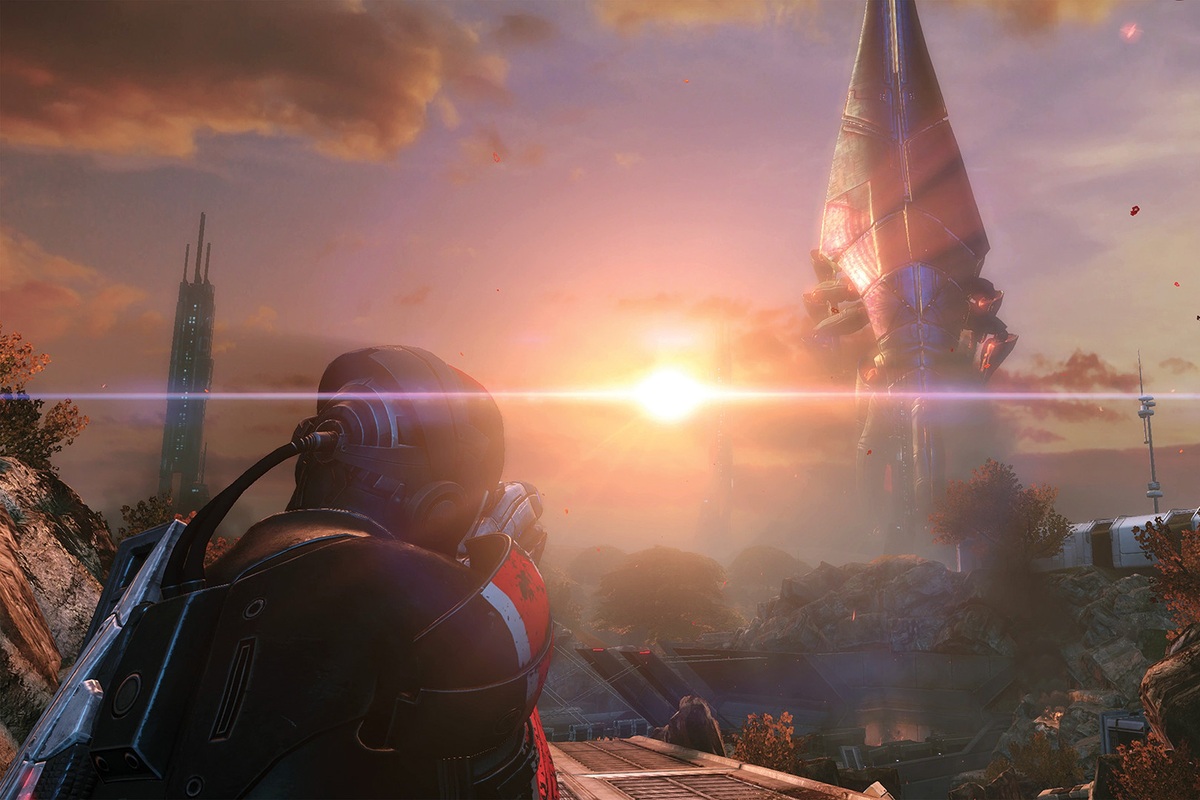
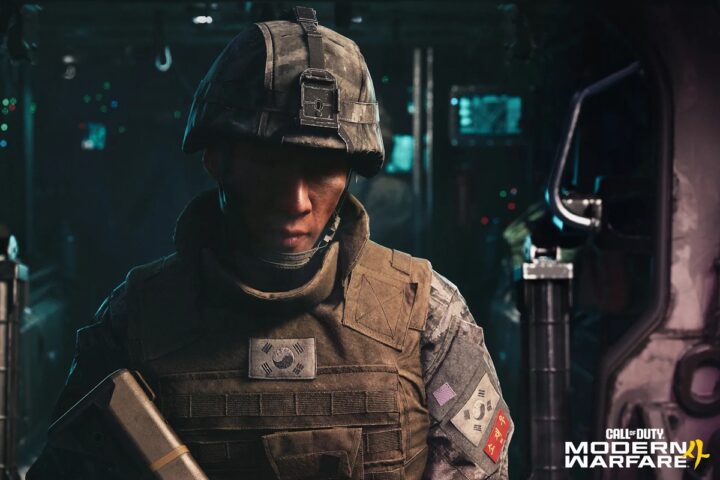
NVIDIA’s announcement confirms Modern Warfare 4 support at launch and says Ultimate members can use RTX 5080-class cloud performance, including campaign ray tracing. Its weekly list gives October 23 as the game’s store-release date and warns that GeForce NOW onboarding can vary.
The dated library list points to October 23, with games added to the service throughout the week. Players should use the live game listing for their store and region to check access during the rollout, particularly when moving from an early-access mode to the full release.
We previously covered Modern Warfare 4’s DMZ early access, which concerns the game’s extraction mode. The new NVIDIA announcement concerns another delivery route for the PC release. Access to an early mode and support on a cloud service are separate developments.
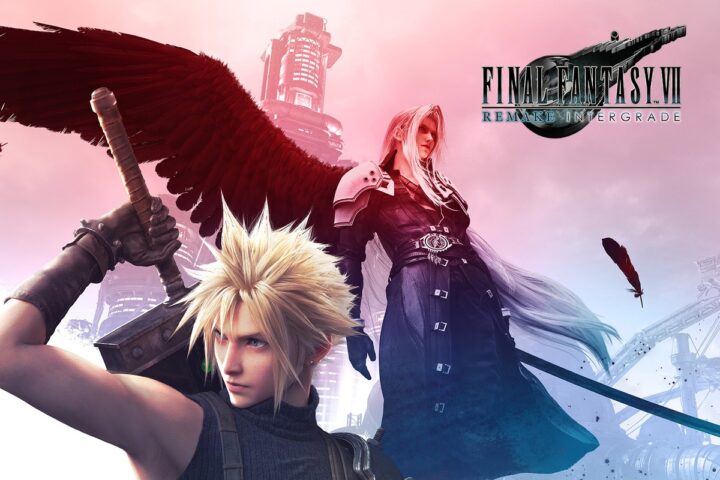
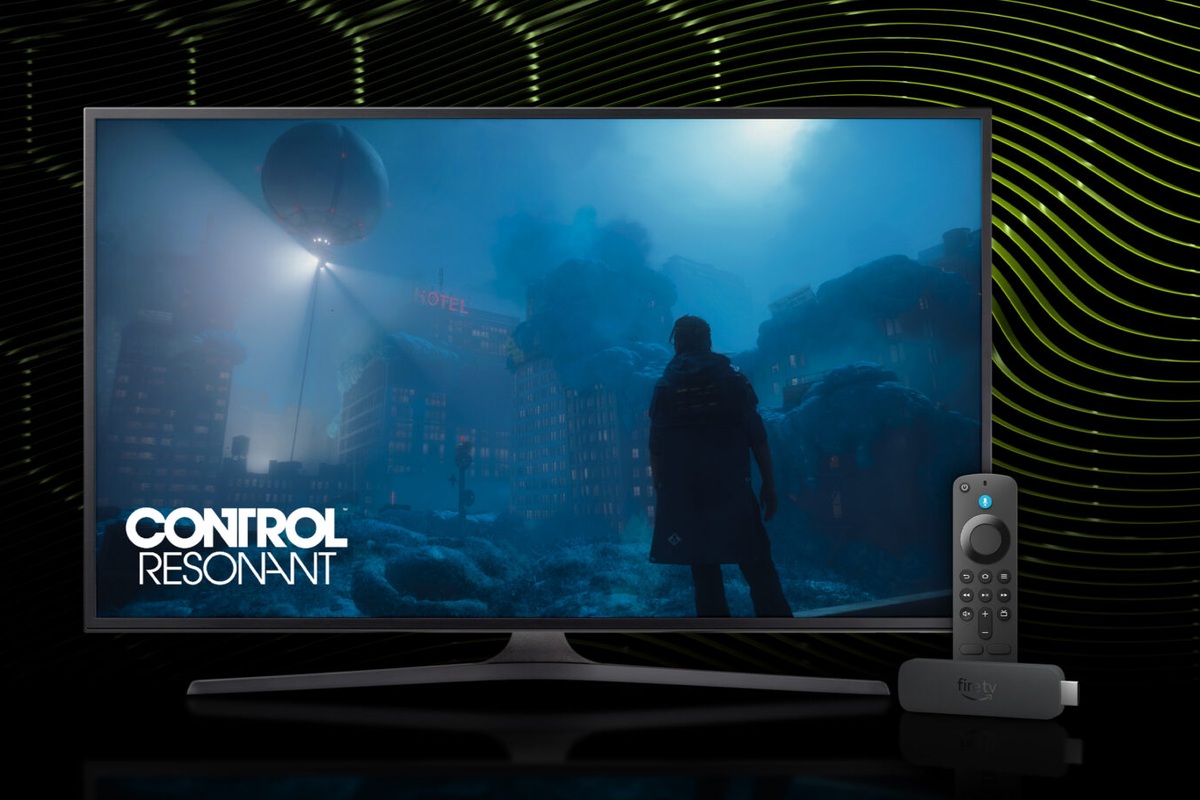
Final Fantasy Resonance, We Were Here Tomorrow, Control Resonant, Crimson Desert and Planet Zoo 2 also appear in the week’s additions. The supported storefront matters: a game’s presence on GeForce NOW does not mean every edition or purchase from every shop is supported.
Fire TV Gets Amazon Membership Billing
Owners of supported Fire TV Stick devices are getting an in-app option to buy one-month Performance or Ultimate memberships using Amazon billing. It is another sign-up route for the same streaming service, with the transaction handled through an existing Amazon account.
The television is displaying a stream from a remote PC; the Fire TV Stick is not installing and running the full PC game locally. A compatible controller remains part of the setup, and players still need access to a supported game through the relevant linked store account.
NVIDIA’s device requirements list specific Fire TV Stick 4K, 4K Max and 4K Plus models, with minimum Fire OS versions. The announcement should therefore not be read as support for every Fire TV device. The supported-model list is more useful than the Fire TV name alone.
The Connection and Game License Still Matter
NVIDIA’s service FAQ describes GeForce NOW as a way to connect store accounts and stream supported games already owned, alongside free-to-play titles. The membership pays for the cloud service and its features; access to a paid game remains a separate requirement.
The system requirements list 25 Mbps for a 1080p stream at 60 FPS and require network latency below 80 milliseconds to an NVIDIA data center. Those are service requirements, not a claim that every game on every device will deliver identical image quality or responsiveness.
A stable connection is therefore part of the practical decision. Moving the game to a cloud server can remove a local graphics-card or storage obstacle, while the network still has to carry the video stream and the player’s inputs. We have explained that trade-off in our beginner’s guide to cloud gaming.
The latest update gives subscribers more software to consider and makes joining through a supported television device simpler. For an existing PC-game library, the useful check remains the same: match the exact game and storefront to the service, then check the chosen device, membership tier and connection against the features wanted.